A secret you control
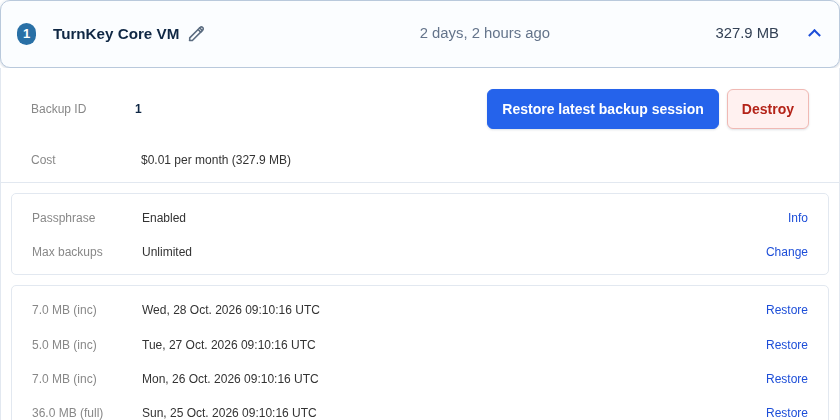
Add your own passphrase to protect the backup encryption key. Restoring elsewhere requires that passphrase.
TurnKey Backup and Migration
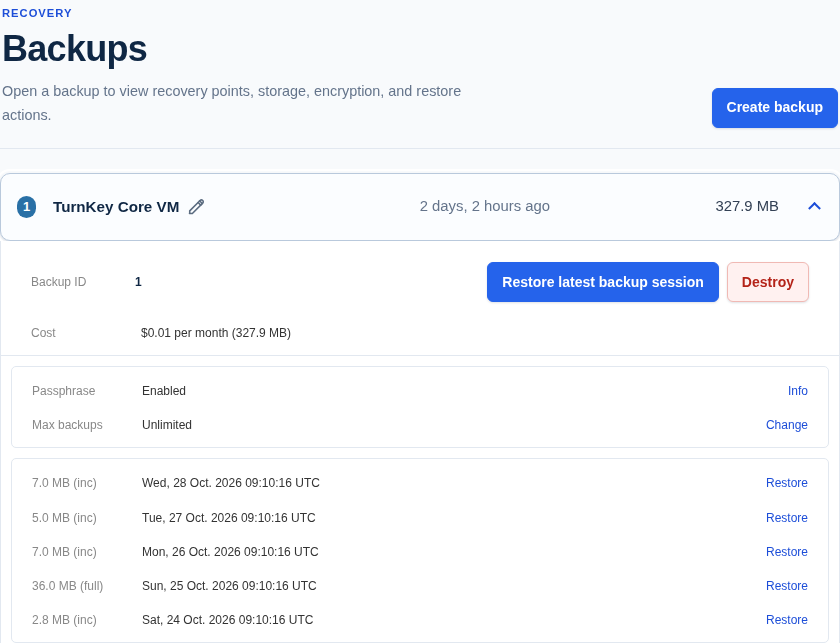
Test your backups in the cloud before you need them. TurnKey already knows what to back up.
Made for TurnKey
Your custom files, databases, and settings are included with no extra configuration.
TurnKey identifies changes to your server, including files, databases, users, and installed packages.
Your data is encrypted before it leaves your server, with optional passphrase protection.
Restore the latest completed backup or choose an earlier one.
Test your backups
Launch a cloud server from a backup to check that your software and data restore correctly.
Restore to another TurnKey server in the cloud, a virtual machine, or on your own hardware.
Passphrase protection
Add your own passphrase to protect the backup encryption key. Restoring elsewhere requires that passphrase.
Save a recovery key somewhere safe so you can recover your data if you forget your passphrase.
Documentation
Get started
Back up your changes and test a restore before you need it.
